
How to Use www.studyinnorthcyprus.ai for Student Applications (Step-by-Step)
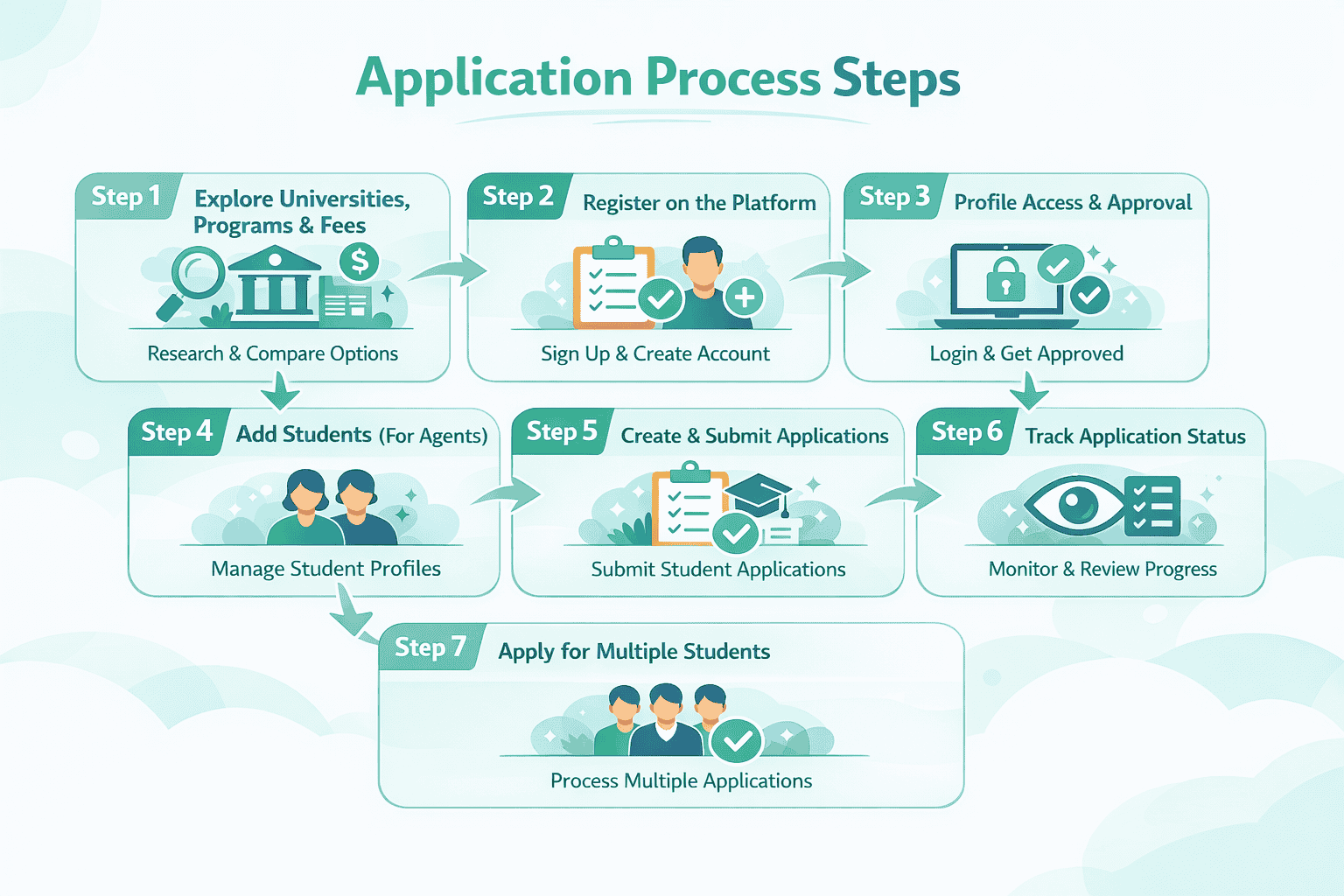
If you want to study in North Cyprus, understanding how to properly use www.studyinnorthcyprus.ai is essential. This AI-based platform streamlines admissions for both students and agents. Follow this precise step-by-step guide to navigate the system efficiently.
Step 1: Explore Universities, Programs & Fees
Start by visiting the platform and carefully reviewing available options.
- Browse universities and programs
- Compare tuition fees per semester
- Check scholarship percentages
- Select your desired program and degree
- Explore the different blogs to access helpful tips, insights, and important information
This step is critical because the platform displays AI-structured data & valuable information, helping you identify the most affordable and suitable options before applying.
Step 2: Register on the Platform
Once you’ve selected your preferred program:
- Click “Apply Now” or “Sign Up”
- Create your account by selecting your role
- Enter required personal and academic details
This registration connects you to the system’s AI-driven admission workflow.
Step 3: Profile Access & Approval
After submitting your details:
- Students can log in immediately using their credentials
- Agents must wait for Admin Approval before accessing the dashboard
(Please log in using the link by entering your username and password: https://studyinnorthcyprus.ai/login)
This ensures controlled access and maintains system integrity.
Step 4: Add Students (For Agents Only)
Agents must first add student profiles before submitting applications.
- Go to the right column dashboard
- Click “Manage Students”
- Enter student details in required fields
This step builds the student database inside the system.
Step 5: Create & Submit Applications
Now, proceed to submit applications:
- Go to “Manage Applications”
- Click “Add New Application”
- Select:
i. University
ii. Degree
iii. Course
iv. Student
v. Click “Add Application”
The application is now entered into the AI-assisted processing pipeline.
Step 6: Track Application Status
Once submitted:
- The application appears under Manage Applications
- Click the “Eye” icon to view details
Check this section frequently to:
- Monitor progress
- Track status updates
- Stay informed about admission decisions
Note: Please check your email thoroughly and regularly for all updates regarding your application
Step 7: Apply for Multiple Students
The platform allows repeated usage:
- Agents can apply for multiple students
- Follow the same process for each application
This makes the system scalable and efficient for bulk admissions.
Conclusion
Using studyinnorthcyprus.ai correctly ensures a smooth and structured admission process. From exploring programs to submitting and tracking applications, every step is designed to maximize efficiency through AI-assisted workflows.
By following this guide, both students and agents can achieve faster processing, better program selection, and improved admission outcomes in North Cyprus.